The Flex activities are now handled through the Vision Resource Center VRC
* the VRC website has answers and links
* Log in to your MySeahawkPD here. Put in your email address, and enter and that'll take you to...
* your Cabrillo login page, click "sign in" and use your 2-factor authentication, that'll take you to...
To Check your Flex Total So far
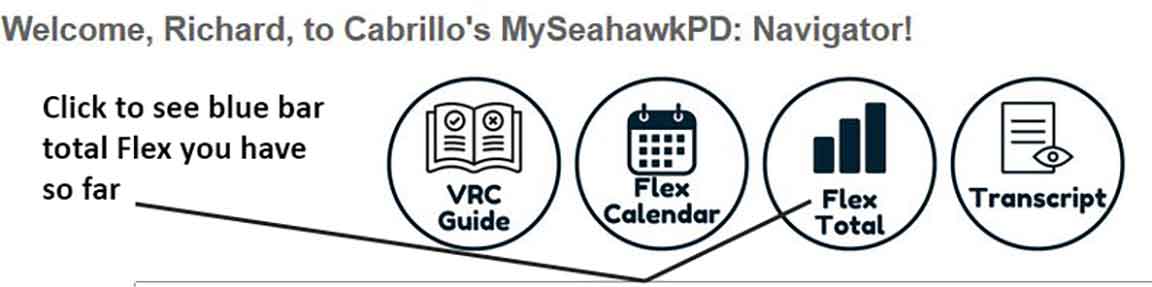
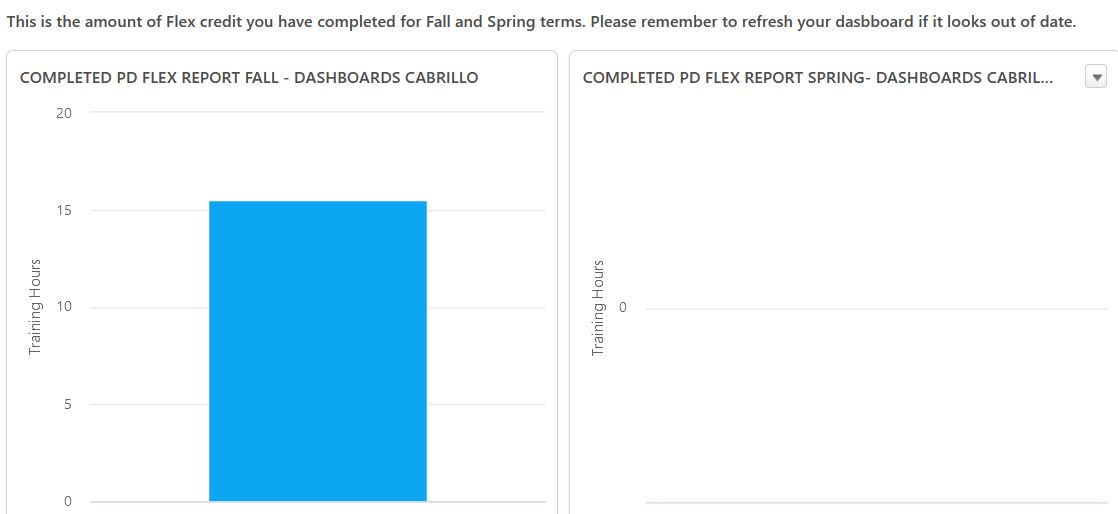
* your MySeahawkPD flex page. Click near the top on the "flex total" bubble to see what the system has for your current Flex total. It'll probably take some seconds to bring up the blue bar showing your total hours. Be sure to mouse-over the little box with the blue bar and click 'update' to see what the REAL total is, since it instead will just show you what was the total the last time you asked. Now to continue, and add an external flex credit submission, back-arrow on your browser so you get the bubbles again.
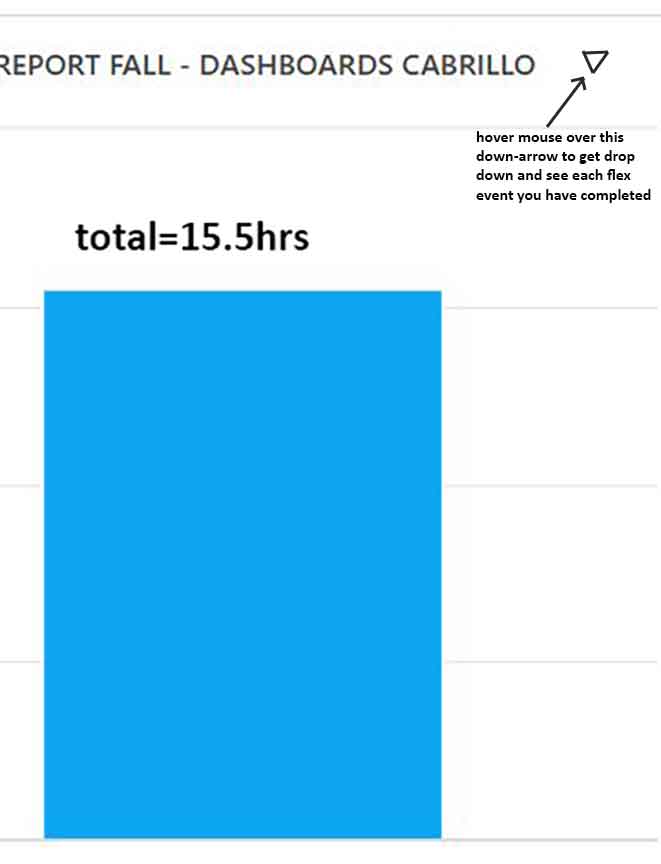
* click on the little drop-down menu arrow which appears when you hover your mouse over the blue bar, to see your completed flex activities. Compare with your own records. Bug whoever led an event that has not given you credit for yet.
To Register for Upcoming Flex Activities
* click on 'flex calendar' icon in upper left and it'll show the calendar of activities available.
* Click on an activity to see its page, and at the bottom click on "Request" and if there's space you'll be reg'd in it.
=================================================================================
* For getting credit for your Dept meeting or other Flex activities that you led, you must (still as of Dec '23) instead write them up as External Credit
External Credit: For activities that you led at Cabrillo, standard is you ask for double the hours. Outside events, something similar or reasonable.
* Go back to the MySeahawkPD flex page with the bubbles and click on 'transcripts'
* You now are on this page, click on the little [...] box and then on 'add external flex'
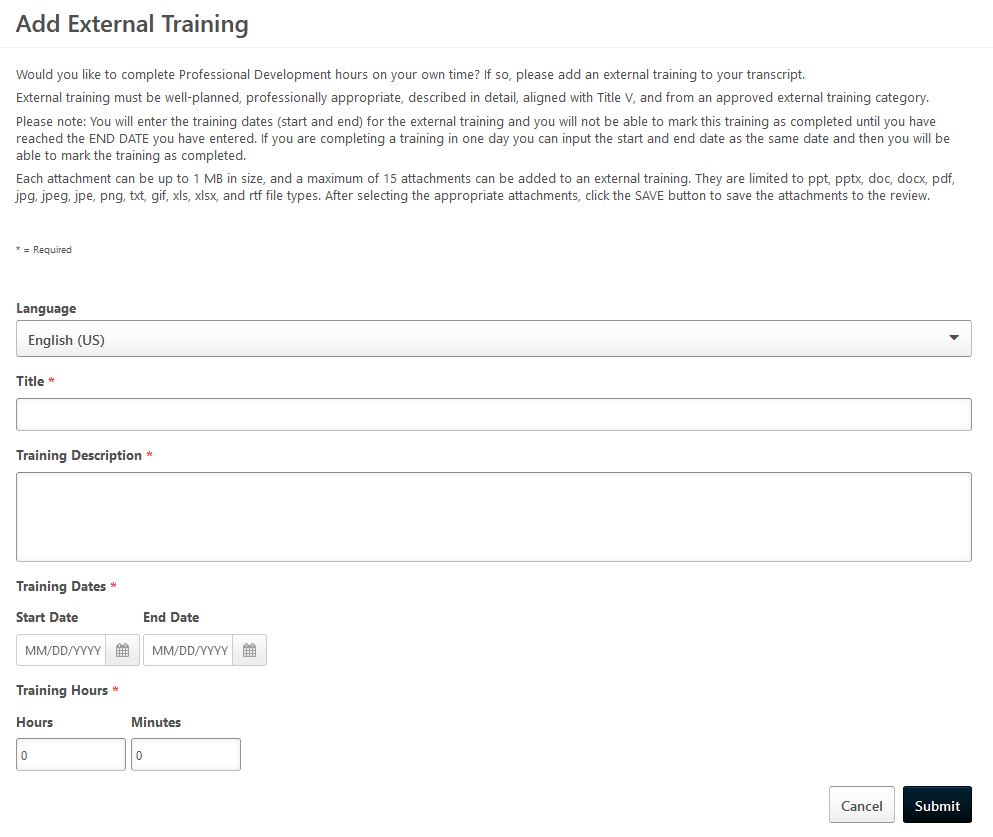
* You're now on this page. Fill it out, add any URL's or images and click 'submit'
* To then add another external flex, just hit the back arrow and it should take you to a fresh page to fill out.